You choose what we read
The system photo picker lets you select the photos you want to use for a creation.
 KamengAI PHOTO STUDIO
A familiar photo. A fresh perspective.
Give your favorite moments a little imagination.
Plush alter egos, bold illustrations, pet adventures.
Find a look you’ll want to see again.
✧ Another side of your photo
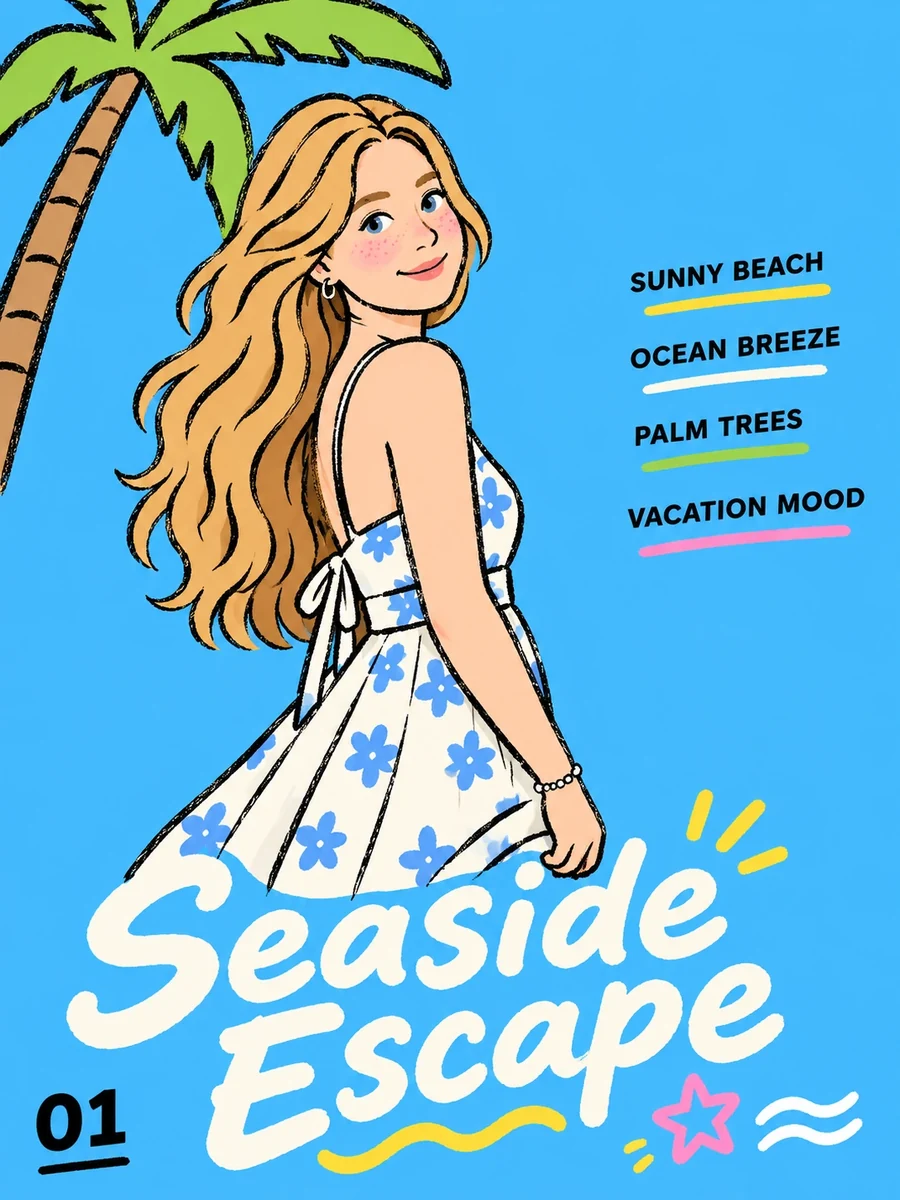


↔ Drag to discover the other side of your photo

01 / FIND YOUR NEXT LOOK
From soft and plush to bright and bold, find your next inspiration.
Tap an artwork to compare the original photo and template result.
AI-generated template samples. Results vary with your photos.
02 / A LITTLE LOOK INSIDE
A look inside Kameng. Pick a style, confirm your photo and keep what you create.
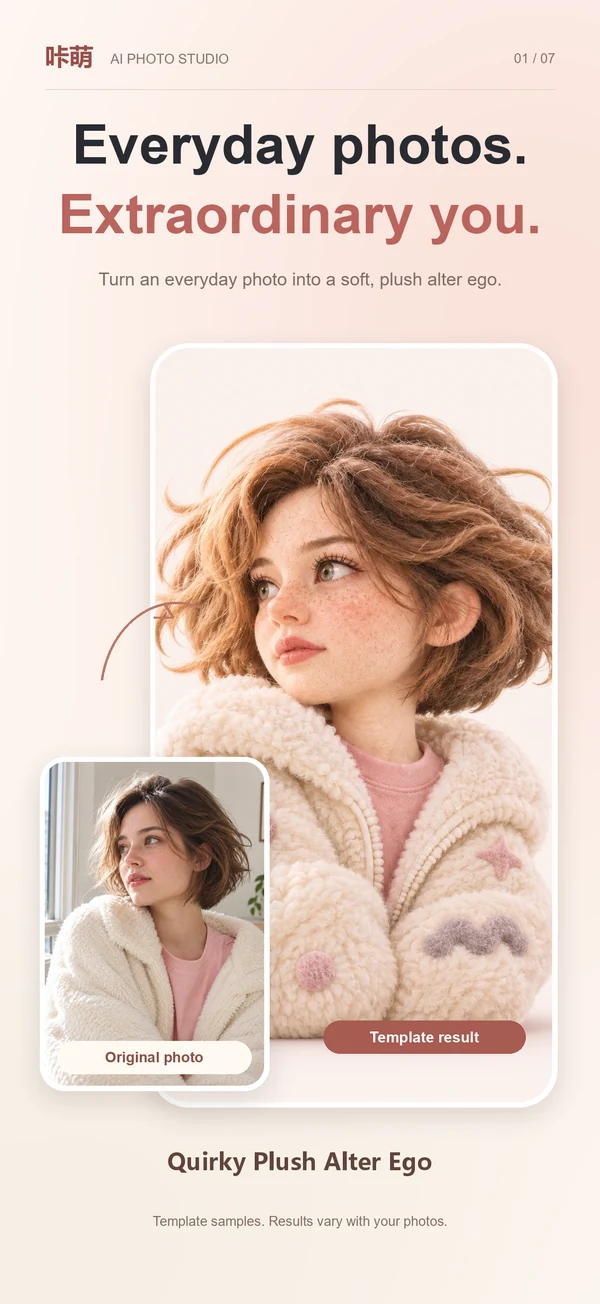
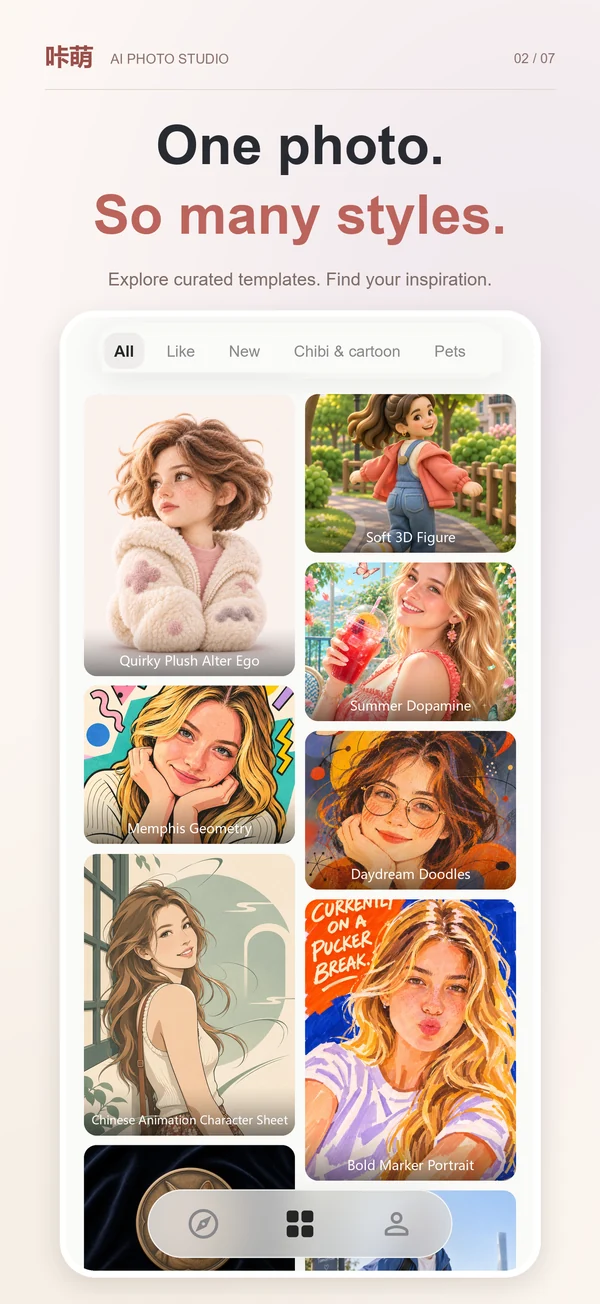
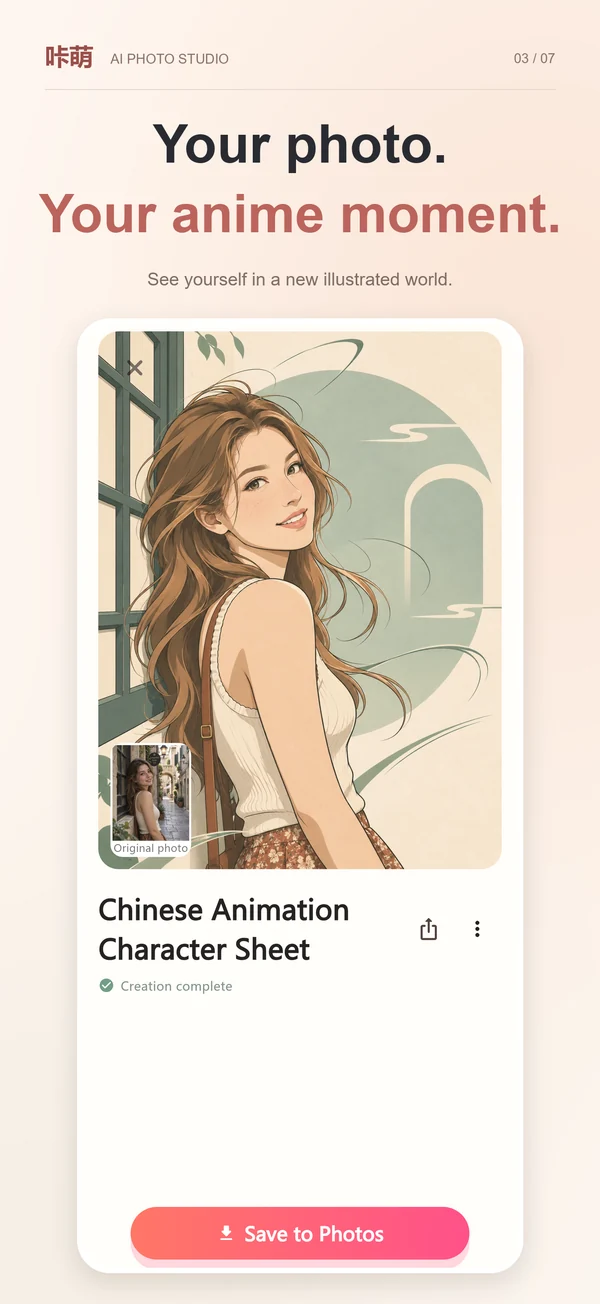
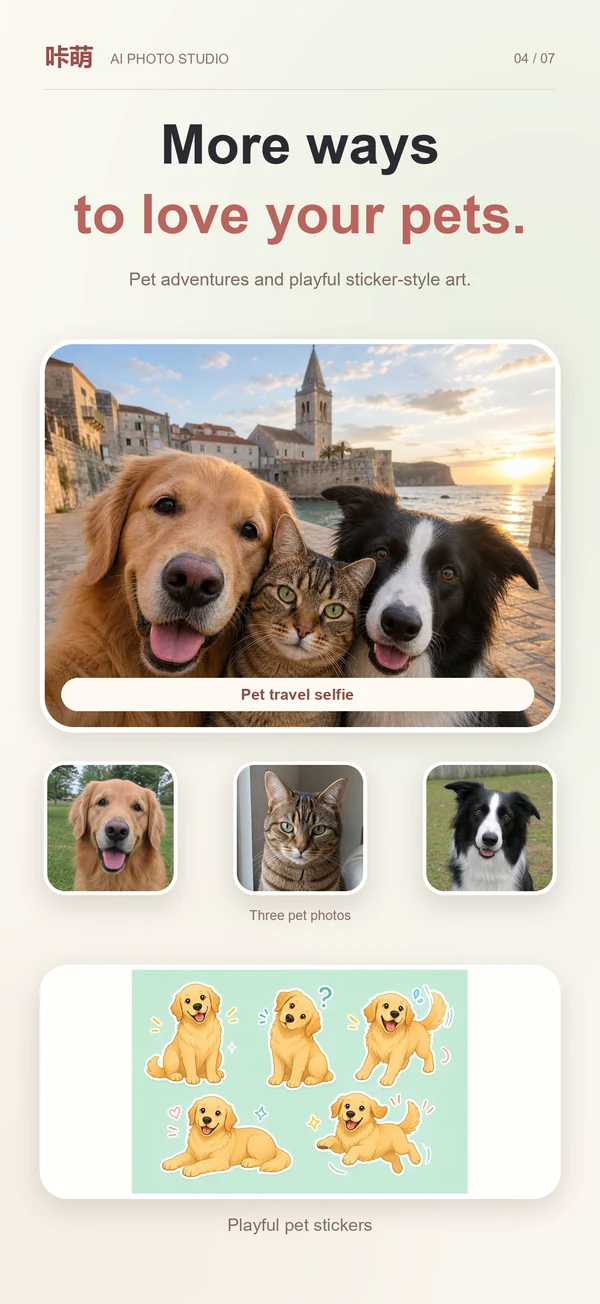
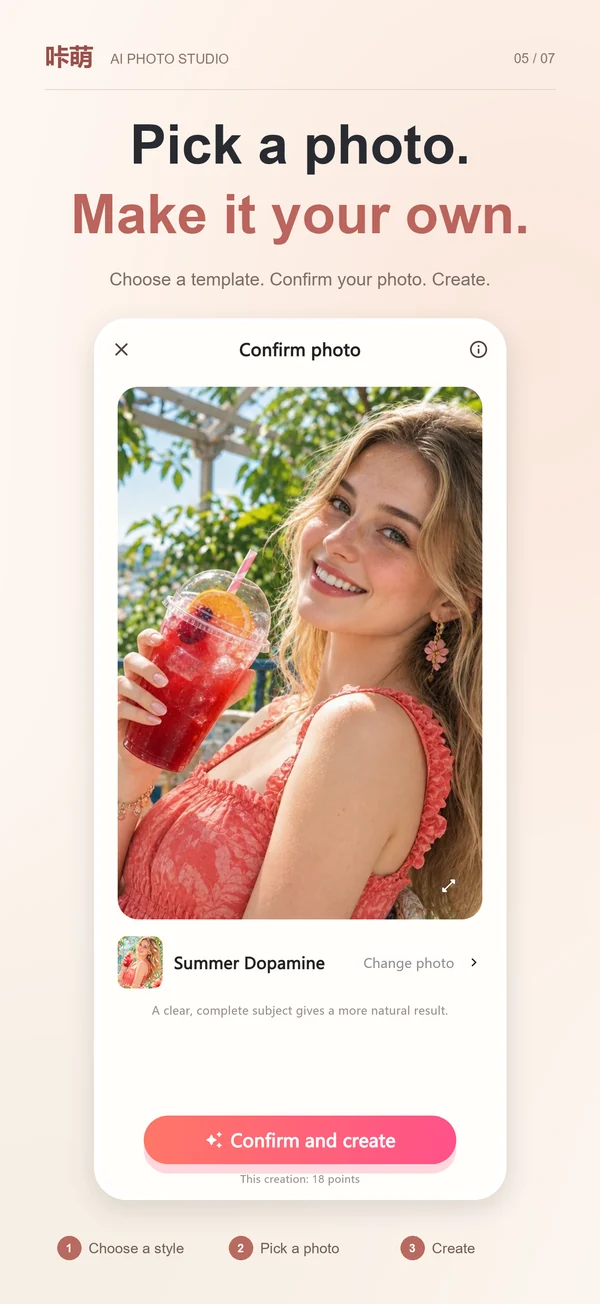
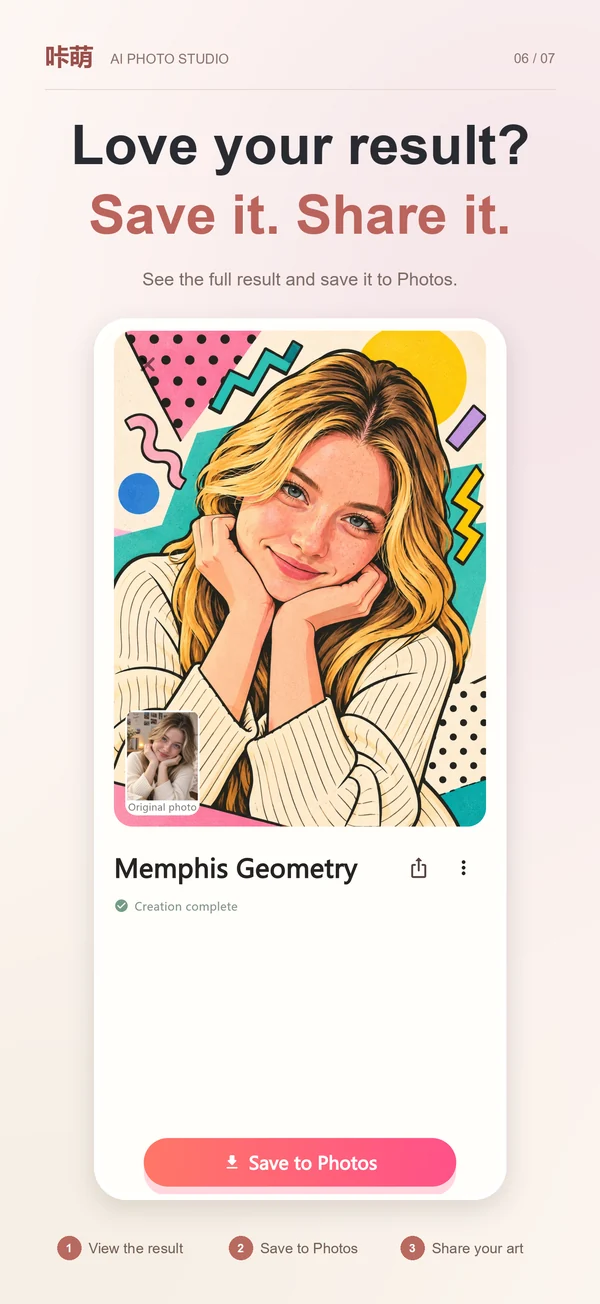
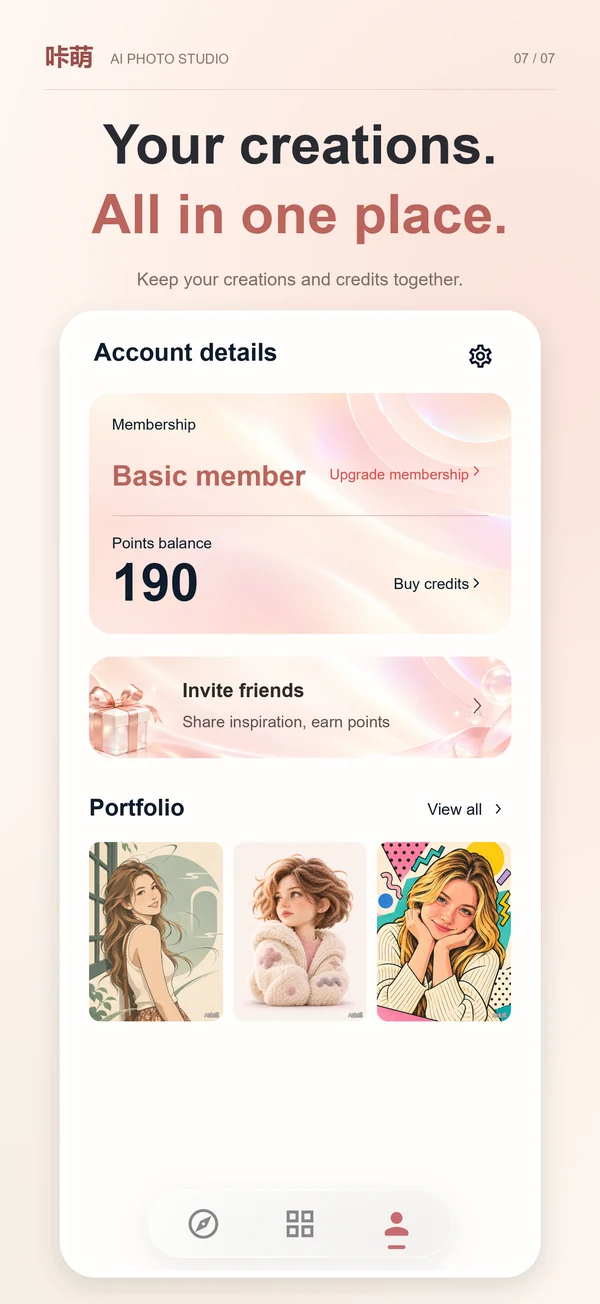
↔ Swipe to explore 7 creative moments


03 / YOUR PHOTO. YOUR IMAGINATION.
Browse template results and find the right inspiration for your photo.
Follow the template’s photo guidance, check the framing and review the credits required.
Wait for the full result, then view it in your portfolio, save to Photos or share it with someone.
Received a friend’s invite code?
MADE FOR YOUR MOMENTS
The system photo picker lets you select the photos you want to use for a creation.
Manage your portfolio and choose whether to save, share or request deletion.
Choose whether to allow usage analytics in Settings. Declining won’t affect normal creation.
No. Pick a template, select your photo and confirm the options shown in the app. Photo requirements depend on the template.
Sign-in and credits are required. You’ll see the credit cost before creating. Memberships and credit purchases follow the current in-app terms.
This website showcases template samples and app features. Create your own images in the Kameng app.
MAKE SOMETHING THAT FEELS LIKE YOU.
Open Kameng. Add a little surprise to your day.
Finding download options…
Contact Kameng support ↗