
THE SNIPROLL GUIDE
A little guidance.
A better long image.
Keep a conversation, save a whole article, or collect the lines that stay with you. Start with what you want to make.
Find your guideWhat would you like to keep?
Three ways to start. From your source material to an image ready to share.
SCREENSHOTS & CONVERSATIONS
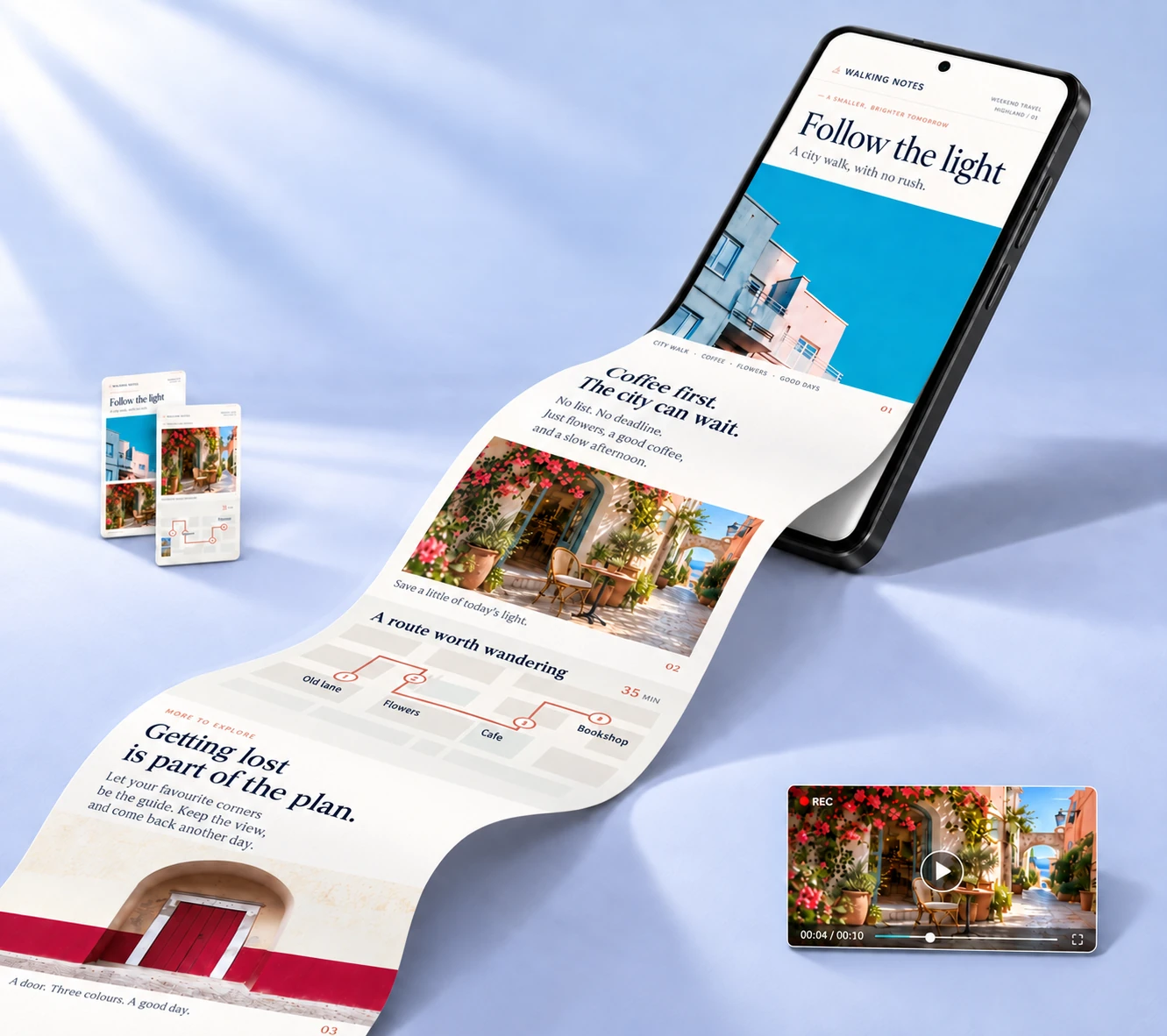
Turn your screenshots into one long image
Combine overlapping screenshots of conversations or articles, remove repeated content, and keep everything in reading order.
Read the guideAbout 3 min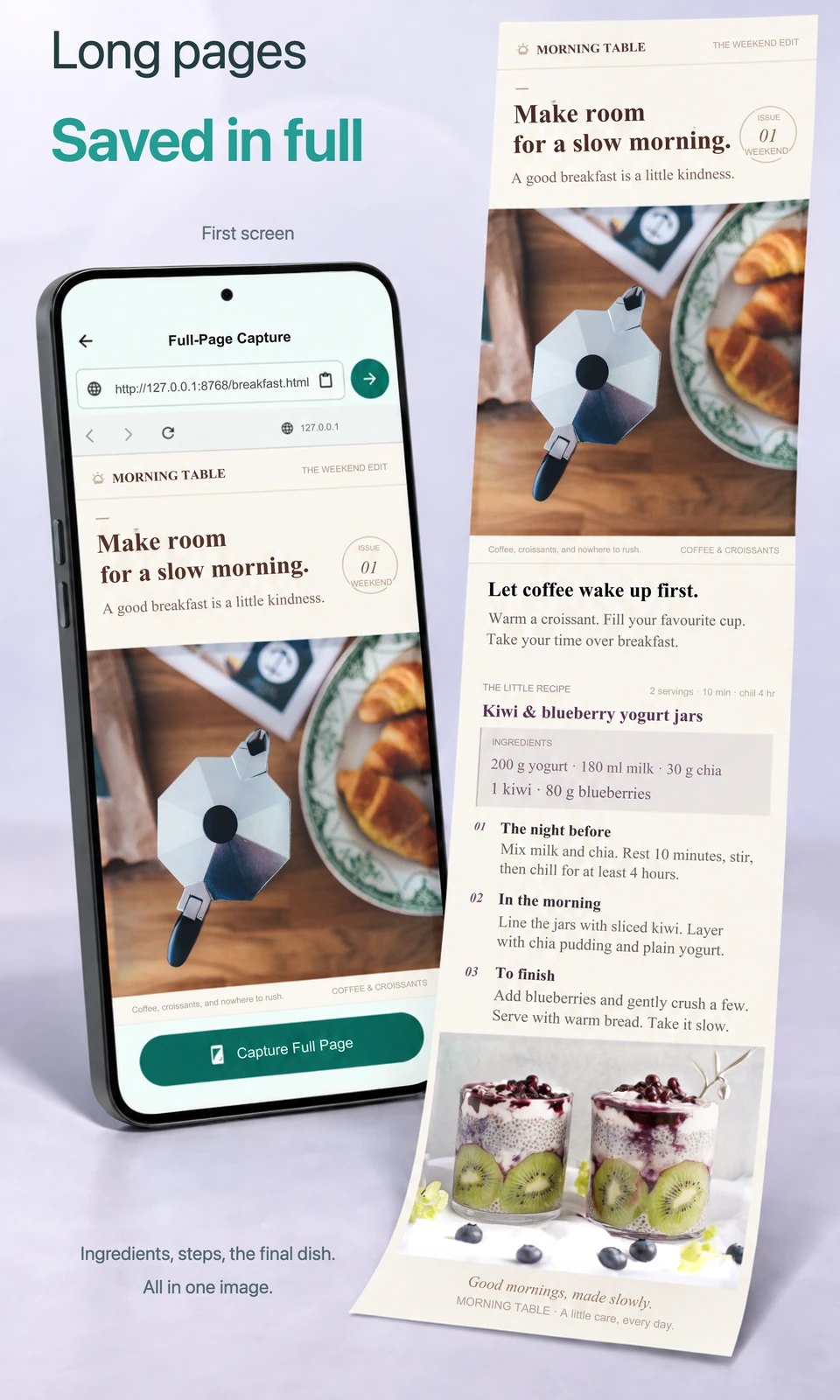
ARTICLES & WEBPAGES
Save the article, from first line to last
Open a webpage address and save the loaded article as a long image you can read in your photo library.
Read the guideAbout 3 min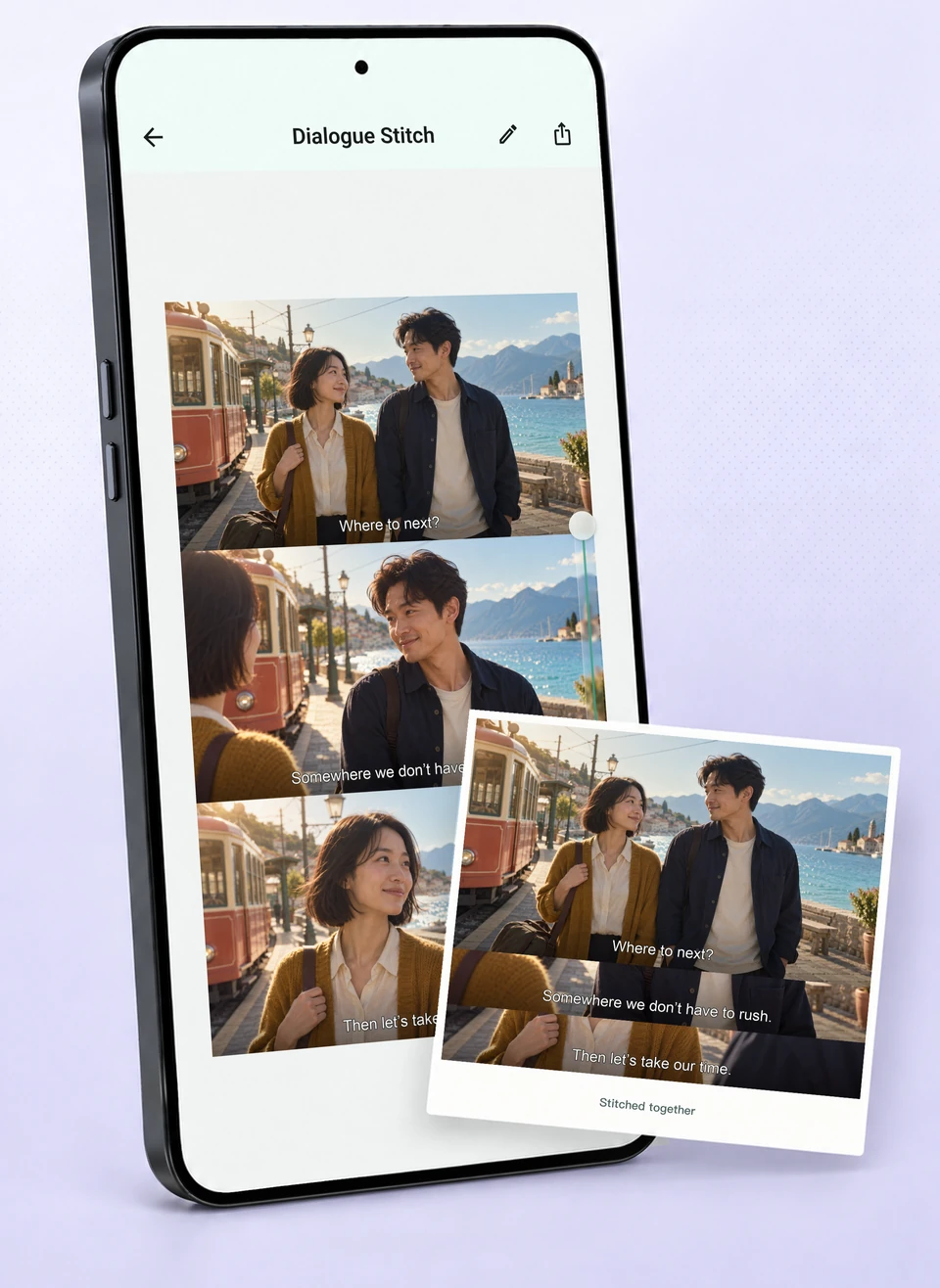
SCENES & SUBTITLES
One scene. All the lines worth keeping.
Keep the first frame as the main scene, then arrange the following subtitle strips beneath it in one readable image.
Read the guideAbout 3 minThe steps apply to iOS, Android and HarmonyOS. Control names and placement may vary by app version and language. The illustrations show the feature; follow the controls in your installed app.