
Auto-stitch screenshots
01Match overlapping areas to make one long image.
Share a conversation without explaining each screenshot.
Choose screenshots→Smart stitch→Edit and share
Good content deserves to stay whole
Keep chats in context and guides in one place. Turn screenshots, videos and webpages into one clear image, ready to share.
Free to download · Some advanced features require Pro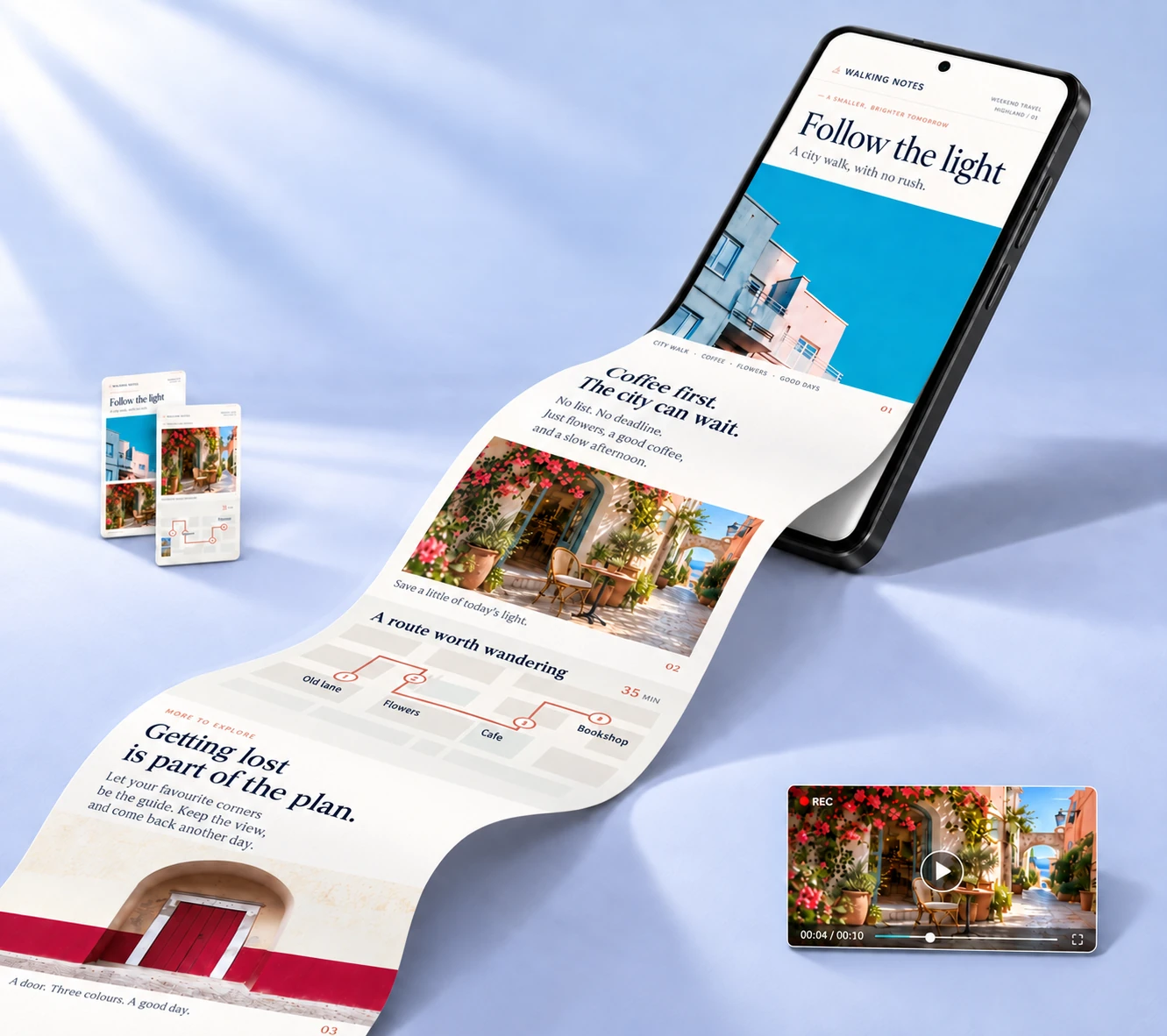
Keep every good findiOSAndroidHarmonyOS
Keep it whole · Start here
A conversation, a travel guide, a tutorial.
Connect the content and keep the context.
Match overlapping areas to make one long image.
Share a conversation without explaining each screenshot.
Import a scrolling recording and choose the range to capture.
Keep the content you scroll through as one still image.
Save the whole page, from the first image to the final step.
Find everything that caught your eye, just as you saved it.
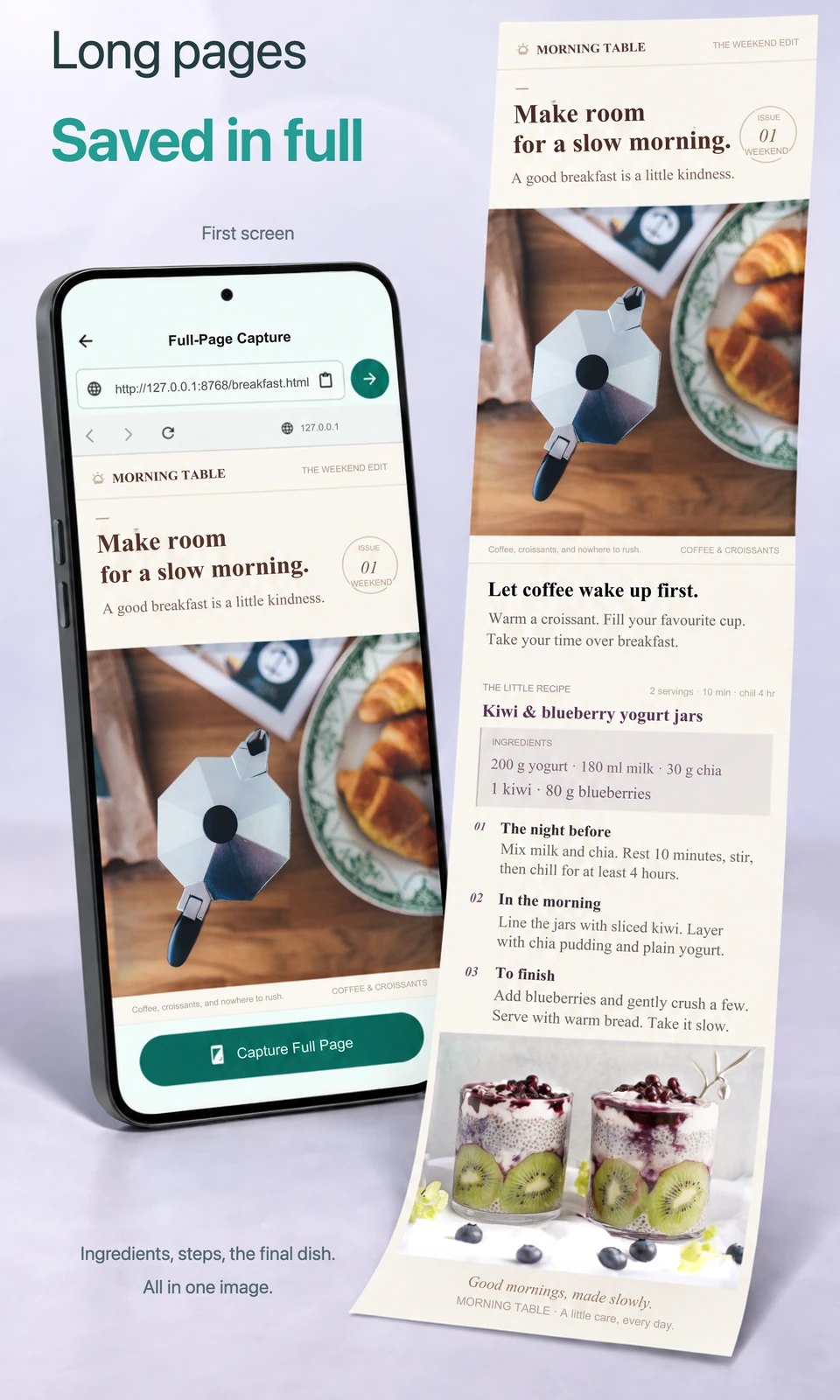
Guides, recipes and ideas worth saving
Skip taking screenshots one screen at a time and sorting them in your gallery. Keep a webpage's text, pictures and steps in one long image you can revisit anytime.
Thoughtful edits · Clearer sharing
Capturing everything is just the start. Crop the extras, highlight the point,
then share an image you feel good about.
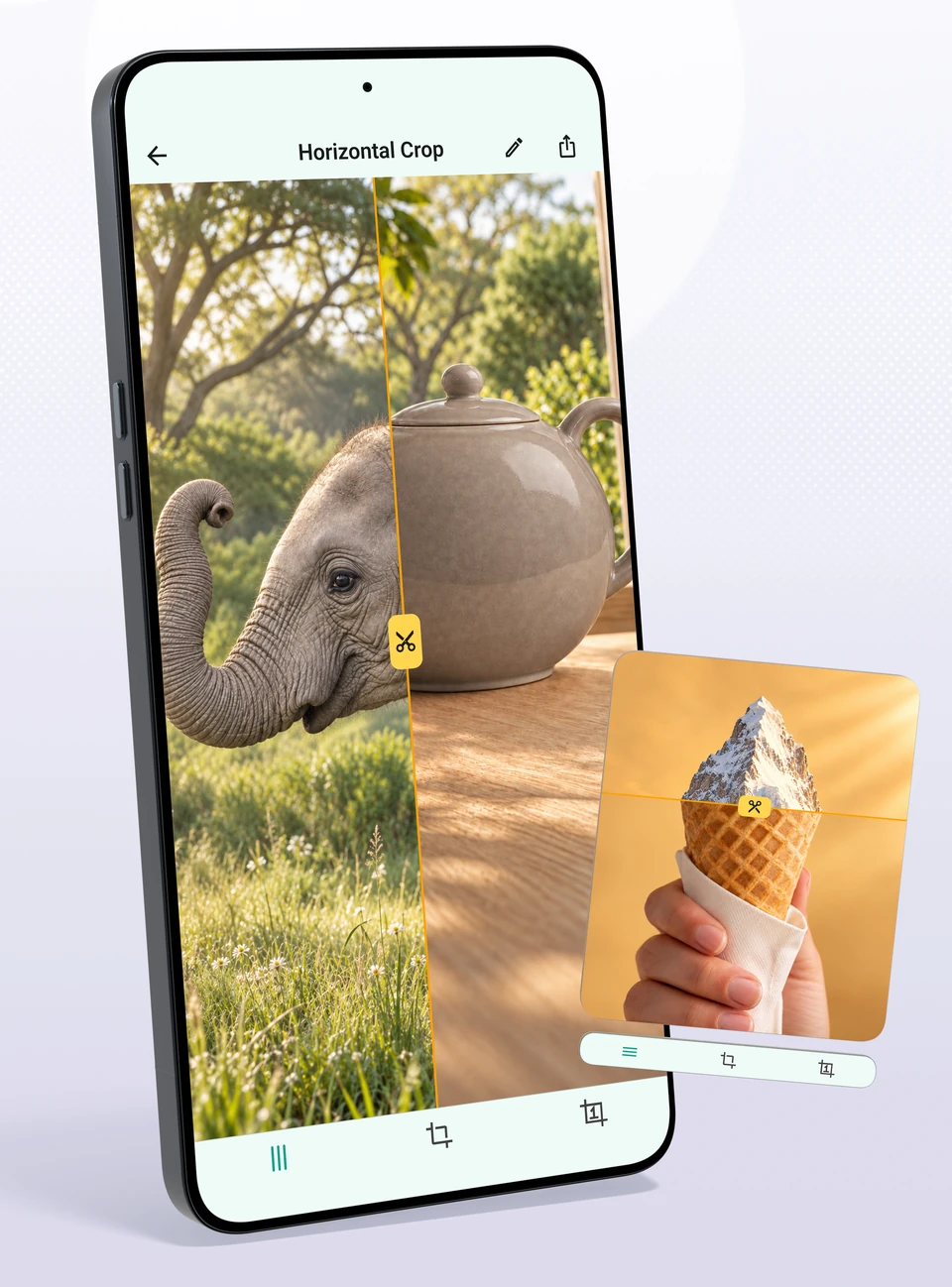
Crop · Join horizontally · Join vertically
Combine screenshots and photos, side by side or top to bottom. Crop away the extras and discover a playful connection between two images.
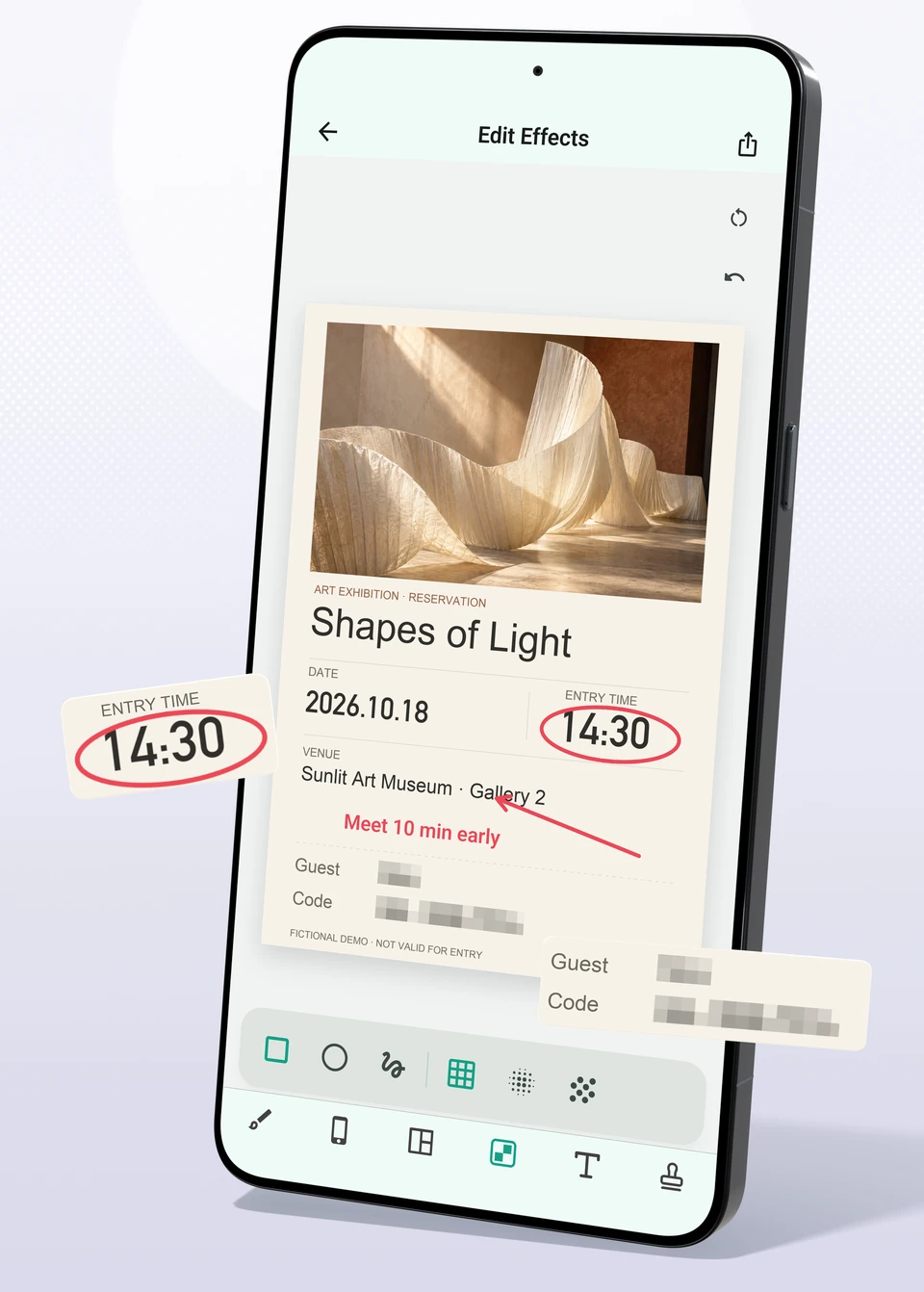
Annotations · Text · Pixelation
Circle a time, add a note and cover personal information. Help friends understand at a glance and share with peace of mind.
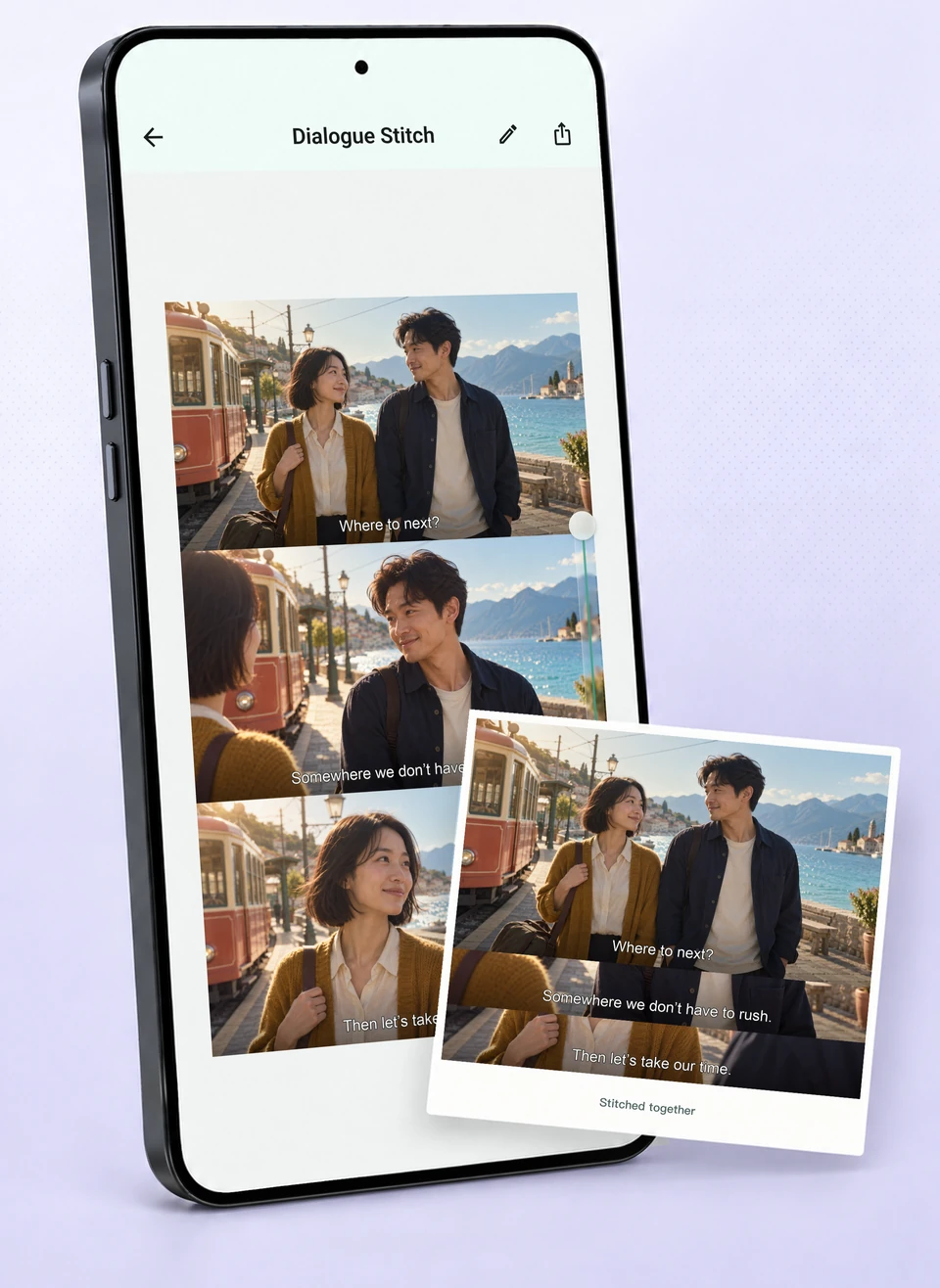
Subtitle collages · Keep the moment that moved you
Combine screenshots of dialogue into one image. Keep the first scene in full, then add the lines that follow. Give your favorite moments a place beyond your memory.
“Where are we going next?”
“Somewhere we don't have to rush.”
“Then let's take our time.”
Create freely · From images to something yours
A trip, a photo, a weekend event.
Add your own touch to make every share feel like you.
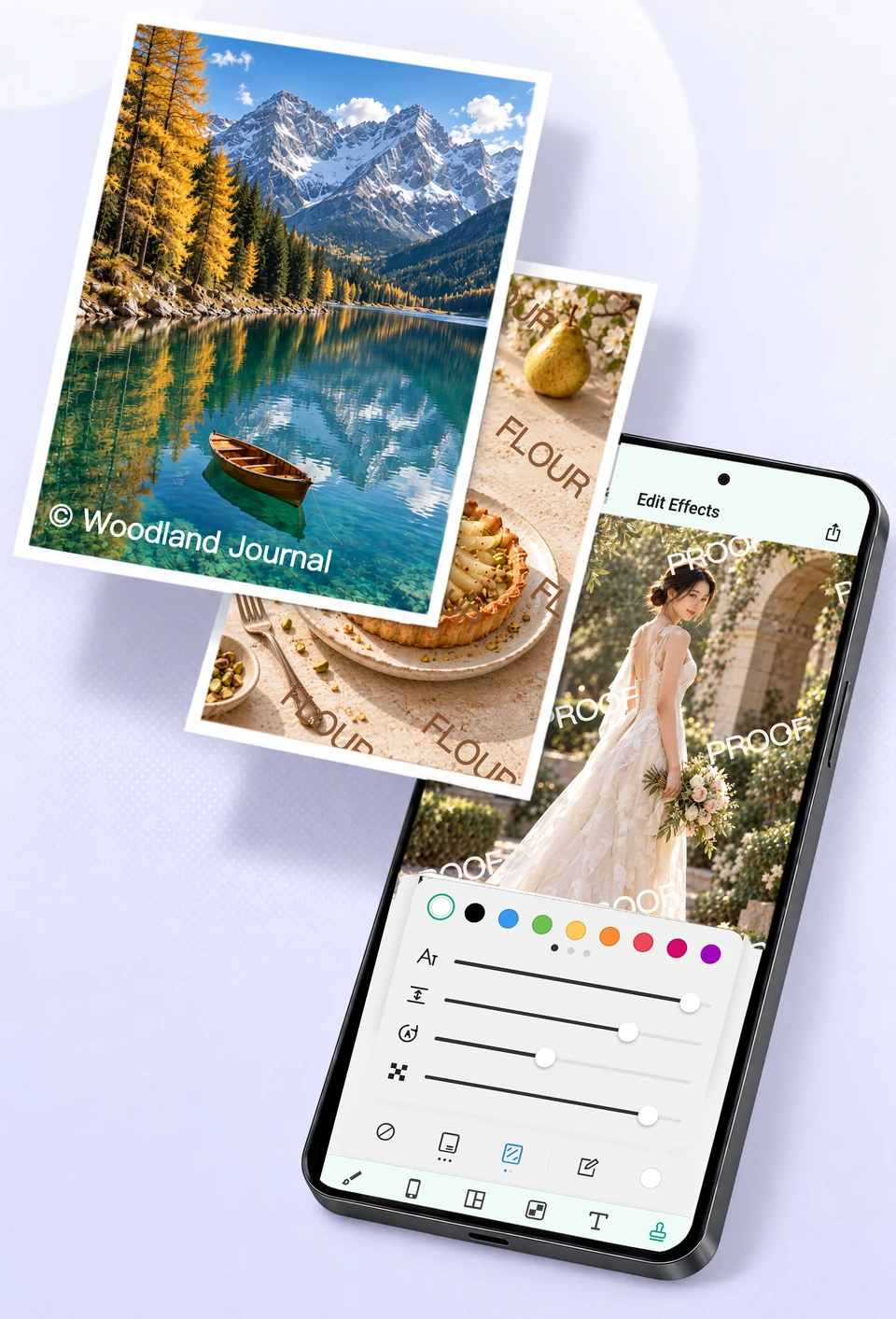
Custom watermarks
Sign a travel photo, label a shop image or mark a client preview. Choose the text, color, angle and opacity to suit the occasion.
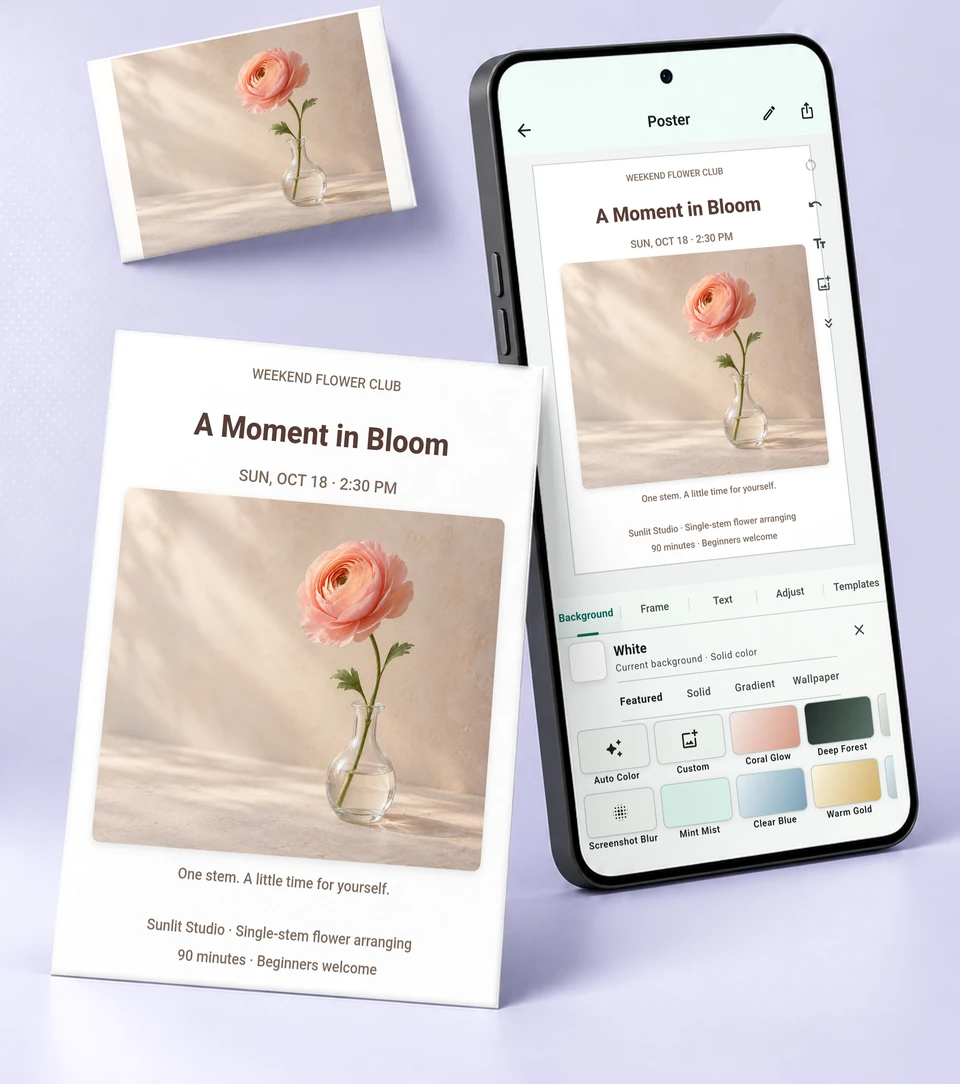
Arrange images and text freely
Mix photos, text and backgrounds your way. Turn a quick photo of flowers into a weekend invitation or a little work of your own.
Illustrations show product features. Actual interfaces vary by operating system and app version.
Before you begin
Yes. Stitch multiple images when you already have screenshots. For a scrolling screen recording, import the video and select the range you want. You can then crop, edit and export the result.
SnipRoll is free to download. Some advanced features require Pro. Check your app store and the current in-app information for available features, benefits and prices.